
Role: Principal Designer, developer experience
Focus: Designing in code with AI · Internal deployment portal
Results: Four prototype iterations, from problem framing to production code · 81% task success in usability testing · Design shipped as production code
Engineers use an internal deployment portal to roll out code changes across Microsoft. The portal showed every environment and machine separately, so engineers had to piece together where their build was, retry failures one by one, and make sense of inconsistent labels. What they really wanted to know was where their build is, whether it’s rolling out, and what to do next.
To redesign the portal, I designed in code. Working in VS Code with GitHub Copilot, I started from the product repo and our design artifacts, and saved each iteration to Git. This took the design from problem framing to production code in four iterations.
Match fidelity to the question
Each iteration answered a different design question:
- Zero fidelity. I defined the problems: no aggregated view of rollouts, manual failure handling, friction in approvals, and confusing terms.
- Low fidelity. I mapped the core flow of tracking a rollout, assessing its health, deciding on an action, then acting and validating, and tested it with sample data.
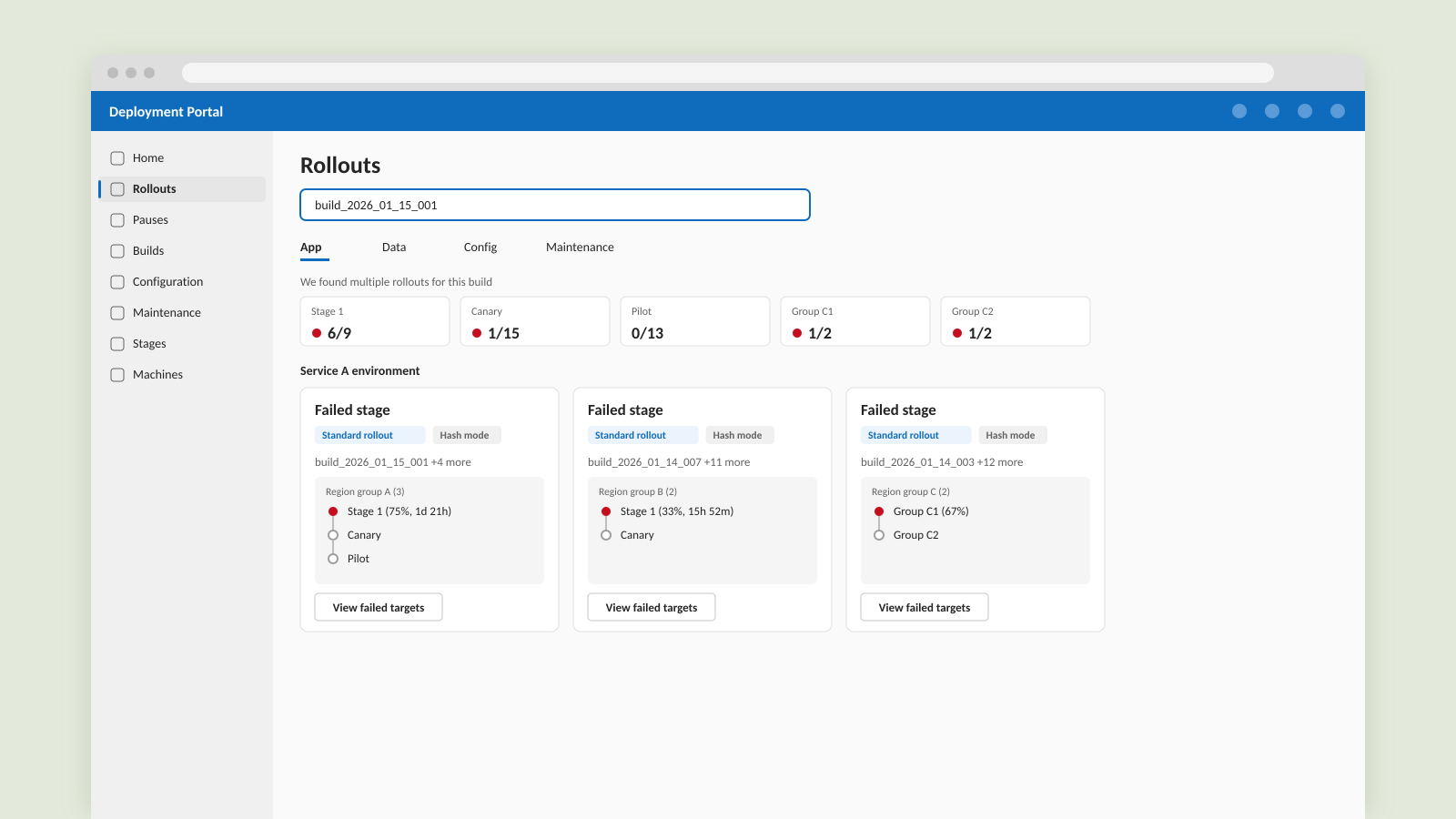
- Mid fidelity. I built a working React and Fluent UI app with the real deployment hierarchy, an aggregated rollout view, status and progress at every level, and an AI chat workflow for finding a build.
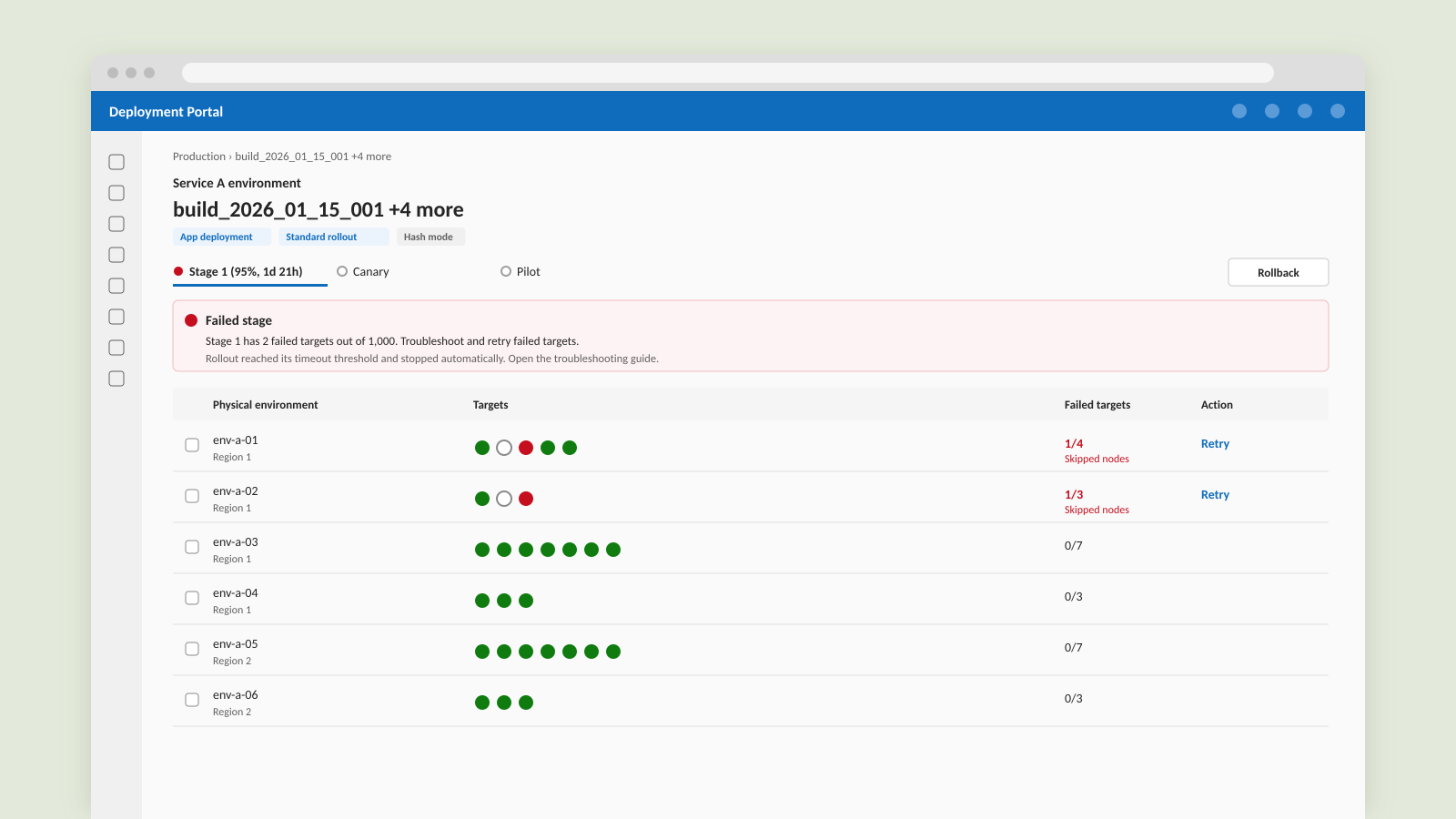
- High fidelity. I refined the layouts and data structures against the real APIs, so the design could move straight into the product.
Test with real behavior
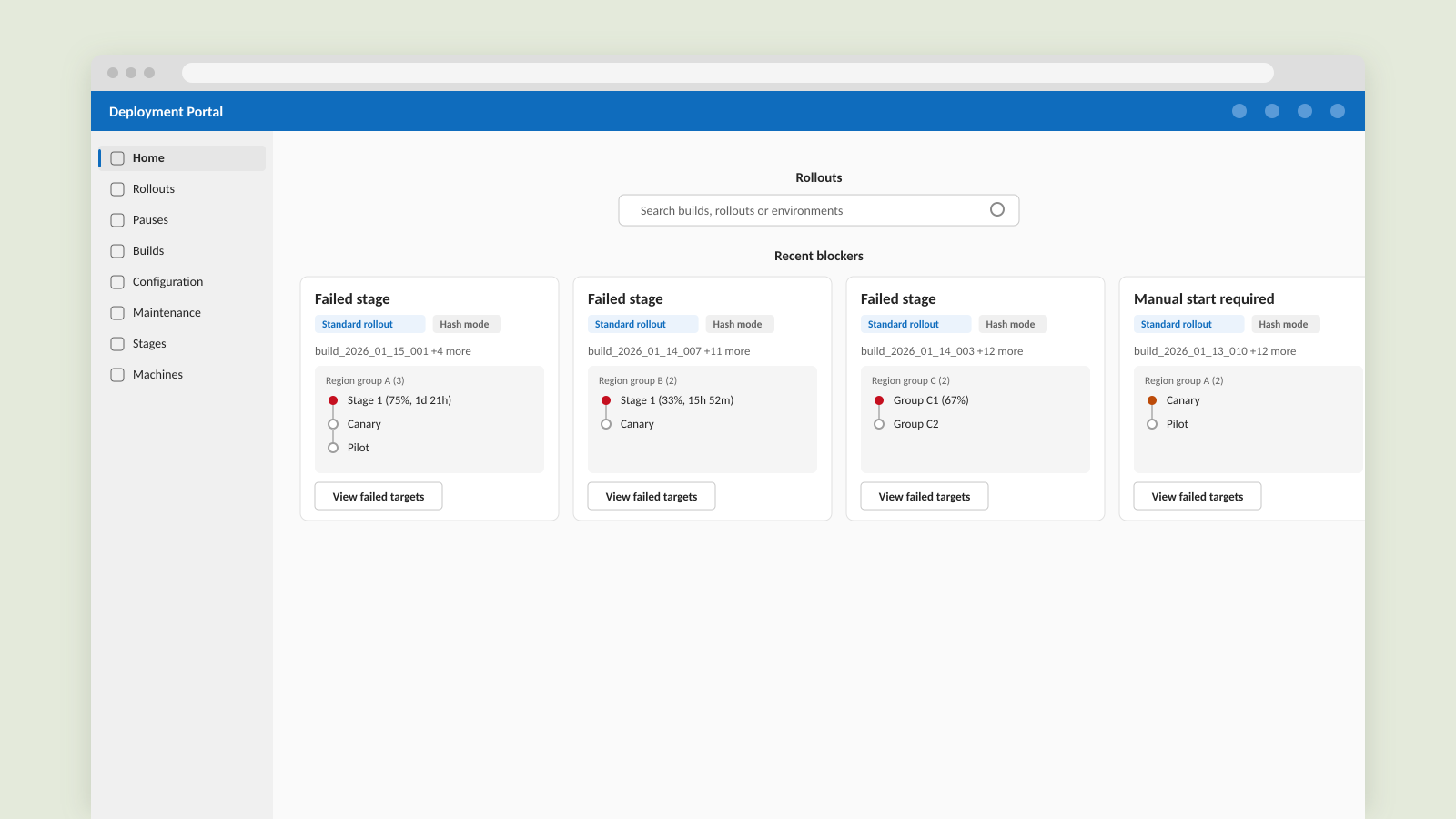
Because the mid-fidelity prototype ran on realistic data, I was able to test real tasks with engineers. Participants completed 81% of the tasks successfully. The sessions also showed where engineers struggled: too much information on the page, unclear next actions, and terms that didn’t match how engineers think. In the next iteration, I put rollout monitoring and mitigation actions on the home page, and moved build history and machine-level details one level down.
From design to production
Instead of handing off a spec, I contributed the design directly to the production code base. I also turned my workflow into a step-by-step guide, so other designers can prototype in code too.
There are a few key takeaways for me: working prototypes get honest feedback early, and matching fidelity to the question keeps each iteration fast.